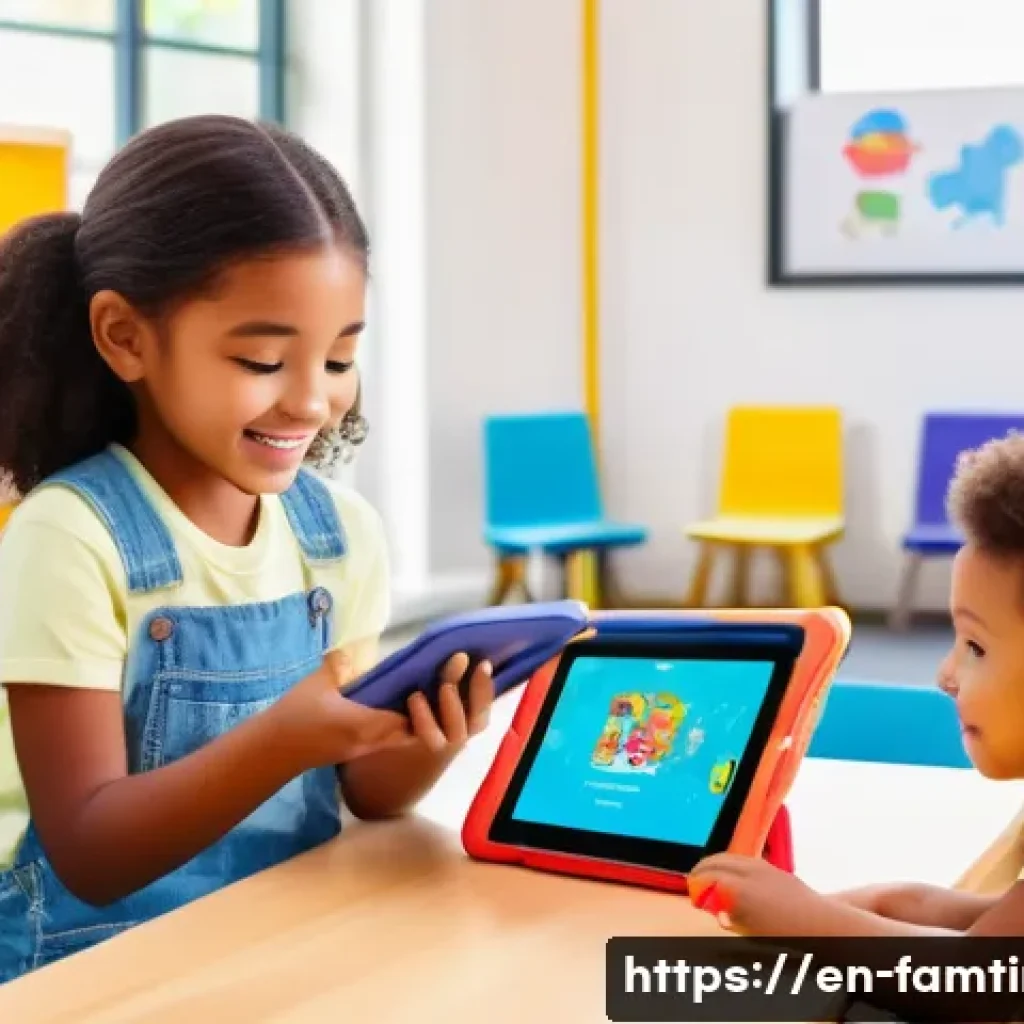
Introducing children to AI learning experiences is becoming more essential as technology shapes our daily lives. Engaging kids with interactive AI tools not only sparks curiosity but also builds critical thinking and problem-solving skills early on.

From playful coding games to smart assistants, these experiences make learning both fun and relevant. Parents and educators are discovering that hands-on exposure helps kids adapt confidently to future challenges.
If you’re curious about how to effectively involve your child in AI learning, you’re in the right place. Let’s dive deeper and explore the best ways to get started!
Choosing the Right AI Tools for Young Learners
Understanding Age-Appropriate AI Applications
Picking the right AI tools for children depends heavily on their age and developmental stage. For younger kids, say between 4 and 7 years old, it’s best to focus on simple, visually engaging apps that introduce basic concepts like pattern recognition or voice commands.
These tools often use bright colors, animations, and interactive elements that capture attention without overwhelming them. For example, AI-powered storybooks that read aloud or adapt the narrative based on the child’s responses can make the experience both fun and educational.
As children grow older, around 8 to 12 years, they can handle more complex AI interactions like coding games that teach logic and problem-solving using block-based languages.
The key is to ensure the AI experience matches their cognitive abilities, keeping them challenged but not frustrated.
Evaluating Safety and Privacy Features
One of the biggest concerns parents face is the safety and privacy of AI tools designed for children. Many apps collect data to personalize experiences, but it’s crucial to choose platforms that prioritize data security and comply with regulations like COPPA (Children’s Online Privacy Protection Act).
When evaluating tools, look for clear privacy policies, minimal data collection, and parental control features. Tools that operate mostly offline or don’t require creating accounts can reduce privacy risks significantly.
Personally, I’ve found that apps with transparent communication about data use and options to limit tracking provide peace of mind while allowing kids to explore AI safely.
Balancing Educational Value and Entertainment
Kids learn best when they’re having fun, so balancing educational content with engaging gameplay or interaction is essential. AI tools that gamify learning—rewarding progress with badges, levels, or creative challenges—tend to hold children’s attention longer.
However, it’s important that these incentives don’t overshadow the learning objectives. For instance, an AI coding game that encourages kids to solve puzzles by writing simple scripts can be highly effective if it gradually increases difficulty and offers hints when kids get stuck.
From my experience, the tools that combine storytelling, challenges, and instant feedback strike the perfect balance between education and entertainment, making learning feel like play.
Integrating AI into Daily Routines for Natural Learning
Using Voice Assistants as Learning Companions
Smart voice assistants like Alexa or Google Assistant can be more than just gadgets; they can become interactive learning buddies for kids. Asking them to solve riddles, spell words, or even explain scientific concepts transforms everyday moments into mini-lessons.
I’ve seen parents use voice assistants during car rides or meal times to spark curiosity and reinforce knowledge without the need for screens. The conversational nature of these devices encourages kids to ask questions and explore topics on their own terms, fostering a habit of inquisitive learning that feels natural rather than forced.
Incorporating AI-Powered Educational Toys
Toys embedded with AI, such as programmable robots or smart building blocks, offer hands-on learning that blends creativity with technology. These toys allow kids to experiment with cause and effect, sequencing, and logic while physically manipulating objects.
Through trial and error, children develop resilience and problem-solving skills. For example, I once watched a child repeatedly program a small robot to navigate a maze, tweaking commands each time based on the robot’s performance.
This iterative process not only teaches programming fundamentals but also patience and critical thinking in a tangible way.
Creating a Tech-Friendly Environment at Home
To fully embrace AI learning, the home environment plays a vital role. Setting up a dedicated, distraction-free space where kids can explore AI tools encourages focused engagement.
It’s also helpful to establish screen time boundaries that balance AI activities with offline play and social interaction. When I introduced AI learning at home, I noticed that having a specific “tech corner” with a tablet, headphones, and a few AI-enabled games made the experience more immersive and special for my child.
Pairing AI sessions with discussions about what they learned helps deepen understanding and keeps parents involved in the journey.
Building Foundational Skills Through AI Programming
Starting with Visual Programming Languages
Visual programming platforms like Scratch or Blockly serve as excellent gateways into AI for kids. These tools use drag-and-drop blocks to represent code, making abstract concepts concrete and approachable.
Kids can create animations, stories, or simple games, learning the logic behind AI without worrying about syntax errors. From my experience, starting with visual languages builds confidence and curiosity, motivating children to explore more complex coding later.
They quickly grasp how AI can be guided by instructions they create themselves, which is empowering.
Exploring AI Concepts with Simple Projects
Introducing AI concepts doesn’t have to be complicated. Projects like training a chatbot to answer questions or programming a virtual pet to respond to commands give kids a sense of how AI “learns” and adapts.
I found that when kids see the immediate impact of their coding choices, it sparks deeper interest and questions about how AI works. These projects can be done using kid-friendly platforms that simulate machine learning in a simplified way, making the invisible processes of AI tangible and understandable.
Encouraging Collaborative AI Learning
Learning AI concepts alongside peers or family members can enhance motivation and creativity. Group projects allow children to share ideas, troubleshoot problems, and celebrate successes together.
In one workshop I attended, kids worked in pairs to build an AI-driven game, exchanging feedback and learning teamwork skills alongside coding. This social aspect helps demystify AI, showing that it’s not just a solitary tech skill but a collaborative, evolving field.
Encouraging group learning at home or in classrooms can make AI education more dynamic and enjoyable.
Understanding the Impact of AI on Future Careers
Highlighting AI’s Role Across Industries
Explaining to kids how AI is already shaping fields like healthcare, entertainment, transportation, and environmental science can make learning more meaningful.
When children understand that AI isn’t just a buzzword but a tool that solves real-world problems, their engagement deepens. For instance, discussing how AI helps doctors diagnose diseases or how it powers self-driving cars makes abstract technology tangible.
I often share stories about AI breakthroughs that relate to my child’s interests, which sparks lively conversations and a desire to learn more.
Developing Soft Skills Alongside Technical Knowledge
AI proficiency isn’t only about coding or algorithms; it also demands creativity, critical thinking, and ethical awareness. Encouraging kids to think about how AI impacts society and how it should be used responsibly builds a well-rounded perspective.
From my observations, kids who engage in discussions about AI’s ethical dilemmas or who brainstorm AI applications that help communities tend to develop empathy and foresight.
These soft skills are crucial for future careers and life in an AI-integrated world.
Preparing for Lifelong Learning in AI
AI technology evolves rapidly, so fostering a mindset of continuous learning is key. Teaching kids that it’s okay not to know everything and that curiosity drives discovery helps them stay adaptable.
I’ve noticed that kids who experiment with new AI tools or take online courses on emerging topics develop resilience and flexibility. Encouraging exploration beyond formal lessons—through hobbies, clubs, or online communities—lays the foundation for lifelong engagement with AI and technology in general.
Comparing Popular AI Learning Platforms for Kids
Features That Make a Difference
When selecting AI learning platforms, features like interactivity, customization, and progress tracking can significantly impact a child’s experience.
Platforms that adapt to skill levels and provide real-time feedback help maintain motivation and reduce frustration. Based on personal trials, I recommend looking for tools that incorporate storytelling, challenges, and creative freedom, as these elements keep kids excited to return.
Cost and Accessibility Considerations
While some AI learning platforms are free, others require subscriptions or one-time purchases. Balancing budget with quality is important, especially since some premium platforms offer comprehensive content and support.
Accessibility is another factor—platforms compatible with various devices or available offline offer more flexibility. I’ve found that starting with free trials or basic versions helps gauge if a platform suits your child before committing financially.
Summary Table of Leading AI Learning Platforms
| Platform | Age Range | Key Features | Cost | Device Compatibility |
|---|---|---|---|---|
| Scratch | 8-16 years | Visual coding, community projects, free tutorials | Free | Web-based, Desktop |
| Osmo Coding | 5-10 years | Hands-on coding blocks, interactive games | Paid (device + app) | Tablet (iOS, Fire) |
| Code.org AI Unit | 8-14 years | AI basics, puzzles, lesson plans | Free | Web-based |
| Kodable | 4-10 years | Game-based coding, progression system | Subscription-based | iOS, Web |
| Cozmo Robot | 8+ years | Programmable robot, app integration | Paid (robot + app) | iOS, Android |
Encouraging a Growth Mindset Through AI Challenges
Embracing Mistakes as Learning Opportunities
When kids interact with AI tools, they inevitably face errors or unexpected outcomes. Instead of frustration, these moments are golden opportunities to build resilience.
I’ve seen children transform their initial mistakes into “aha” moments by experimenting with different approaches or debugging code. Highlighting that failure is a natural part of learning helps kids develop a growth mindset, which is essential not only for AI but for any skill they pursue.
Setting Achievable Goals and Celebrating Progress
Breaking down AI learning into small, manageable goals keeps kids motivated and prevents overwhelm. For example, completing a simple coding puzzle or teaching a chatbot a new phrase can serve as milestones.
Celebrating these wins, whether through verbal praise or digital badges, reinforces effort and achievement. From my perspective, this positive reinforcement encourages kids to keep pushing their boundaries and exploring new challenges.
Promoting Curiosity and Experimentation
AI learning thrives on curiosity. Encouraging kids to ask “what if” questions and try out different scenarios fosters creativity and deeper understanding.
I often prompt children to tweak their AI projects and observe the results, which sparks innovative thinking. This open-ended exploration not only enhances technical skills but also nurtures a lifelong love for discovery and problem-solving.
글을 마치며
Choosing the right AI tools and integrating them thoughtfully into children’s lives can spark a genuine passion for learning and technology. By focusing on age-appropriate applications, safety, and balancing education with fun, we set young learners on a path to success. Encouraging curiosity and resilience through hands-on experiences prepares them not just for today, but for the AI-driven future ahead. Remember, the journey with AI is as important as the destination.
알아두면 쓸모 있는 정보
1. Selecting AI tools that match your child’s developmental stage ensures they stay engaged without feeling overwhelmed.
2. Prioritize apps and platforms with strong privacy policies and parental controls to keep your child’s data safe.
3. Gamified learning experiences can boost motivation but should always reinforce core educational goals.
4. Encouraging collaborative AI projects helps develop teamwork skills and makes learning more dynamic.
5. Cultivating a growth mindset by embracing mistakes and celebrating progress nurtures lifelong learners.
중요 사항 정리
Choosing AI tools for children requires careful attention to age appropriateness, safety, and educational value. Parents and educators should seek platforms that protect privacy, offer engaging content, and adapt to a child’s skill level. Integrating AI into daily routines with interactive toys and voice assistants can enhance natural learning experiences. Building foundational programming skills through visual languages and simple projects fosters confidence and curiosity. Finally, promoting a growth mindset and understanding AI’s real-world impact prepares kids for future challenges and opportunities in a technology-driven world.
Frequently Asked Questions (FAQ) 📖
Q: At what age is it appropriate to start introducing children to
A: I learning tools? A1: While there’s no one-size-fits-all answer, many experts suggest starting as early as preschool age with simple, playful AI experiences.
For instance, apps that teach basic coding through games or interactive storybots can engage kids around 4 to 6 years old. The key is to keep it age-appropriate and fun, so children develop curiosity without feeling overwhelmed.
As they grow, you can gradually introduce more complex concepts, adapting to their interests and understanding.
Q: How can parents ensure that
A: I learning tools are safe and beneficial for their children? A2: Safety and quality are top priorities when choosing AI tools for kids. Look for apps and devices from reputable developers that prioritize privacy and don’t collect unnecessary data.
Reading user reviews and checking for educational credentials helps, too. Personally, I found that hands-on trials, combined with setting screen time limits and discussing what the child is learning, create a healthy balance.
It’s also helpful to be actively involved, so you can guide your child and address any confusing content together.
Q: What are some effective ways to keep children engaged while learning about
A: I? A3: Engagement thrives when learning feels like play. Interactive games that reward problem-solving, hands-on projects like building simple robots, or using voice-activated smart assistants can make AI concepts tangible.
From my experience, mixing screen time with offline activities, like puzzles or storytelling that relate to AI ideas, keeps kids curious and motivated.
Encouraging questions and celebrating small wins helps build confidence, making the learning process enjoyable rather than a chore.